
How to Reset the Volvo XC60 Infotainment System
For many Volvo XC60s, hold the center display’s home button for about 20 seconds to try a reboot; if that does not work, lock the car and wait about 2 to 3 minutes, and on older Sensus systems use the Home-button restart. A bad reset can leave you with a blank screen, lost audio, or a stuck Bluetooth connection. This guide shows the right reset for your XC60 by model year, then what to check if the reboot does not stick.
What you’ll need
- The owner manual for your XC60 model year
- The key fob
- Access to the center display
- A safe place to park with the vehicle fully stationary
- A charger or jump pack if the 12V battery seems weak
- Park the XC60, shift to P, and keep the ignition state stable.
- Identify the infotainment generation in the owner manual or on the software screen.
- Save any open navigation route or audio source if the screen still responds.
- Try the least disruptive reboot first.
- Wait for the screen and audio to come back before touching anything else.
If your XC60 is an older Sensus model, the restart method is usually different from newer Android-based systems. The safe rule is simple: start with the shortest reboot your model allows, then move to the longer power-cycle only if the display stays frozen, black, or stuck in a restart loop.
Which reset should you try first?
Start with a soft reboot. On newer XC60 models, that usually means pressing and holding the center display home button until the screen restarts; on older Sensus systems, the restart method is tied to the Home button in the owner manual. Use the longer power-cycle only after the quick reboot fails.
Older Sensus versus newer Android-based systems
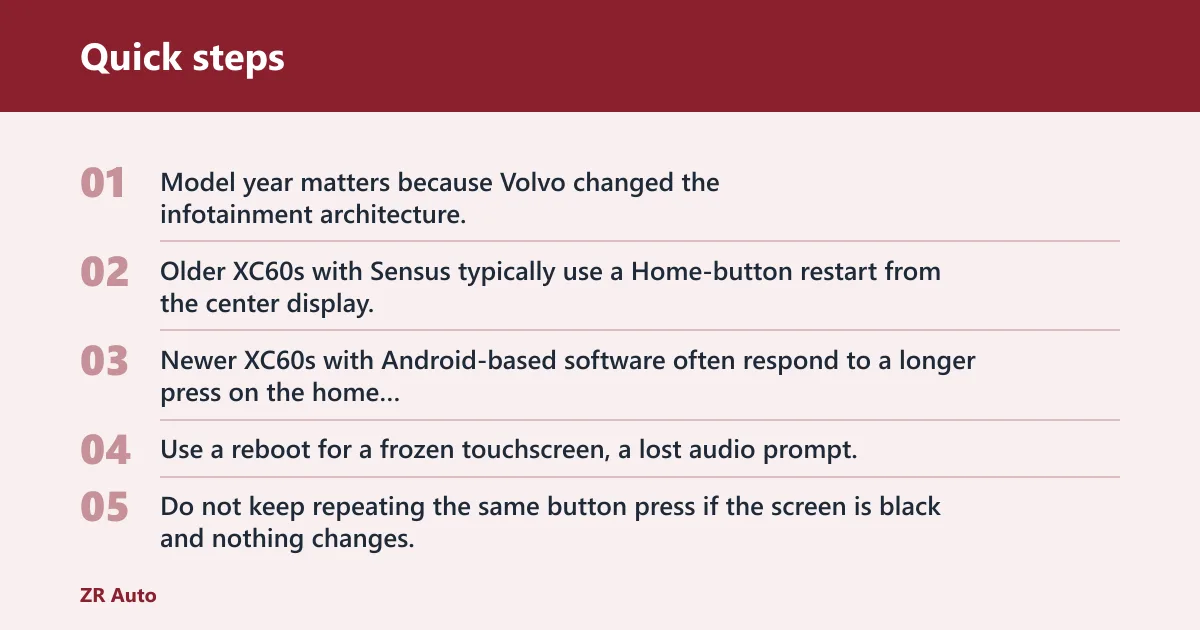
Model year matters because Volvo changed the infotainment architecture. Older XC60s with Sensus typically use a Home-button restart from the center display. Newer XC60s with Android-based software often respond to a longer press on the home button, then a full restart after the car is locked and left alone for a few minutes.
When a reboot is the right choice
Use a reboot for a frozen touchscreen, a lost audio prompt, a stalled Bluetooth connection, or navigation that will not load. Do not keep repeating the same button press if the screen is black and nothing changes. That usually points to a deeper power, software, or hardware problem.
When not to keep trying
Stop after one or two attempts if the system boots partway and then loops, the display goes blank again, or other electrical symptoms appear. A common first-timer mistake is to hammer the reboot sequence five or six times. That adds heat, time, and confusion without fixing the underlying fault.
How do you reset the center display?
Use the model-correct center display restart, then wait for a clean boot before checking any other function. The goal is to restart the infotainment software, not to disconnect random components or force repeated power cuts. If the screen is only sluggish, a soft reboot is the safest first move.
1. Save what you can
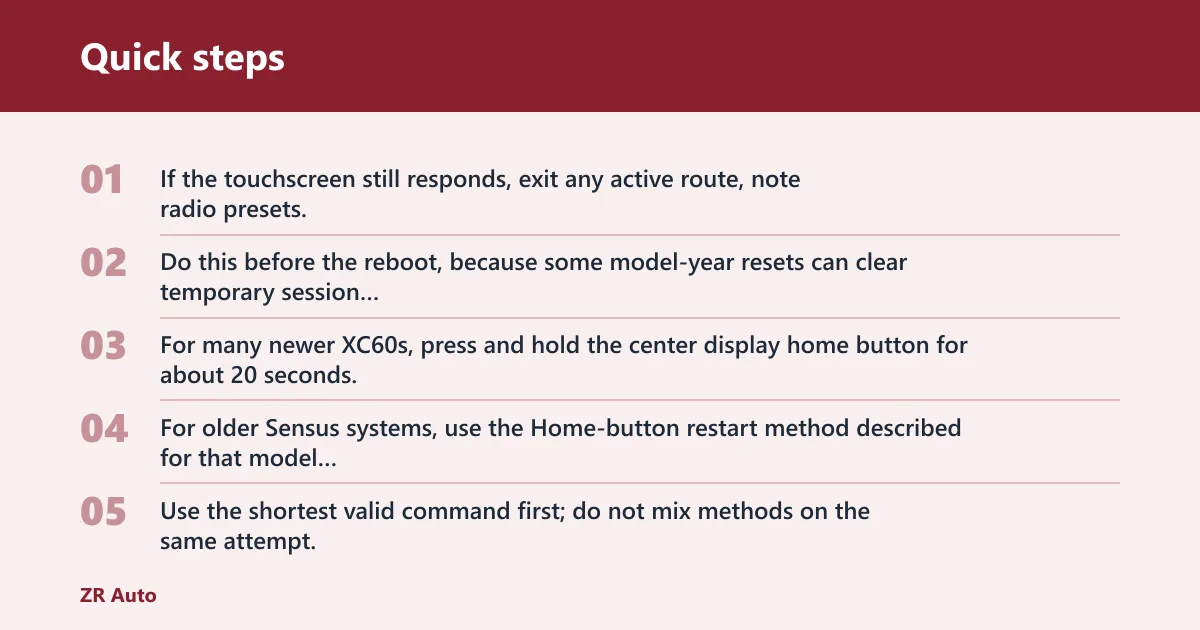
If the touchscreen still responds, exit any active route, note radio presets, and disconnect an active phone call or Bluetooth stream. Do this before the reboot, because some model-year resets can clear temporary session data even when saved profiles remain intact.
2. Perform the reboot
For many newer XC60s, press and hold the center display home button for about 20 seconds. For older Sensus systems, use the Home-button restart method described for that model year in the owner manual. Use the shortest valid command first; do not mix methods on the same attempt.
3. Wait for the restart
Leave the system alone until the Volvo logo or normal home screen returns. Do not tap the screen while it is black or halfway through booting. A long restart is normal after a freeze, and the system may take longer if it was already unstable.
4. Check the core functions
Verify radio audio, navigation, Bluetooth pairing, center display touch response, and camera view if equipped. Say your Bluetooth audio drops but the radio works after the reboot; that usually means the reboot helped the main unit, but the phone pairing or audio profile still needs a fresh reconnect.
What if the reset does not work?
If the reboot fails, move to the next cause in order: low 12V battery state, software mismatch, then vehicle power or fuse issues. Do not jump straight to repeated resets. A dead-looking display can come back only after the battery is charged or the software finishes a recovery cycle.
Check the 12V battery state
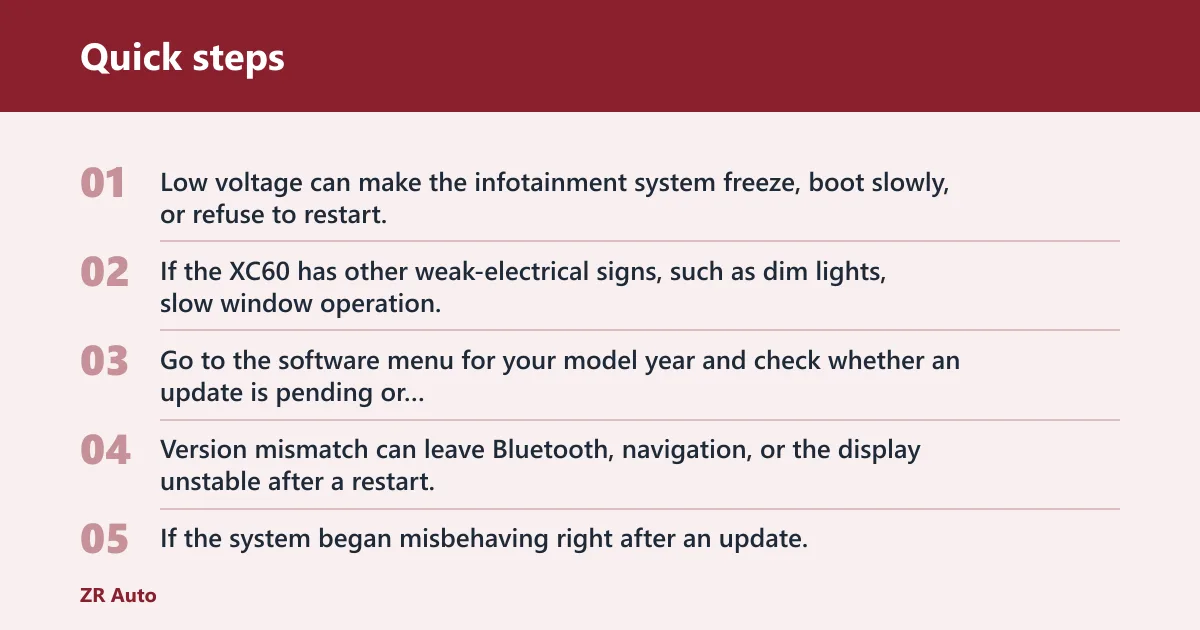
Low voltage can make the infotainment system freeze, boot slowly, or refuse to restart. If the XC60 has other weak-electrical signs, such as dim lights, slow window operation, or repeated start-stop warnings, charge the battery or use a jump pack before trying another reset.
Look for software update issues
Go to the software menu for your model year and check whether an update is pending or recently installed. Version mismatch can leave Bluetooth, navigation, or the display unstable after a restart. If the system began misbehaving right after an update, let it sit through a full ignition cycle before another reset.
Inspect fuse or power-cycle symptoms
If the screen is dead, the system loses power repeatedly, or multiple cabin functions fail together, the issue may be beyond a normal reboot. A vehicle power cycle can help only when the underlying supply is stable. If the display stays blank after charging and a proper restart, book service.
XC60 reset decision table
Use this table to match the symptom to the safest next step. The table is intentionally conservative. If your XC60 shows more than one symptom at once, follow the row with the higher risk and stop sooner rather than later.
| Symptom | Likely cause | Recommended reset method | Risk level | When to stop and book service |
|---|---|---|---|---|
| Touchscreen frozen, audio still playing | Temporary software hang | Center display reboot | Low | If the freeze returns after one reboot |
| Black screen, no touch response | Boot failure or low voltage | Reboot once, then check battery state | Medium | If the screen stays black after charging or a jump-start |
| Bluetooth drops after pairing | Profile corruption or software mismatch | Reboot, then remove and re-pair the phone | Low | If multiple phones fail the same way |
| Navigation will not load | App fault or update issue | Reboot, then check for a software update | Medium | If maps still fail after updating |
| Repeated restart loop | Deeper software or power fault | Stop after one attempt | High | Book service immediately |
| Display dead after low-battery warning | Voltage problem | Charge or jump-start first, then retry once | High | If the system never boots normally |
Common mistakes to avoid
Do not confuse a soft reboot with a full power loss. The first restarts software; the second cuts vehicle power and can expose battery weakness. Also avoid resetting during active navigation or while the car is still in motion. Park first.
Do not repeat a failed reboot endlessly. That can hide the real cause and waste time. If the display is black, the radio is dead, and the car shows low-voltage symptoms, handle the battery condition before another attempt.
Do not assume every XC60 year uses the same button sequence. A 2012 XC60 with Sensus is reset differently from a 2016 or 2018 model with a different infotainment generation. The owner manual is the right reference for the exact sequence.