How to Start a Lincoln MKX with a Dead Key Fob
Open a 2013–2019 Lincoln MKX with the hidden metal key, then start it by placing the dead fob in the backup reader area in the center console and pressing the brake and START button. Skip the backup start step, or miss a weak vehicle battery, and you can lock yourself out or blame the wrong part. This guide separates door entry, emergency starting, and no-key-detected troubleshooting so you can tell whether the fob, the vehicle, or both are at fault.
What you’ll need
- Your Lincoln key fob with the hidden mechanical key blade inside.
- Access to the driver’s door.
- The owner’s manual or a model-year reference for your MKX.
- A replacement coin-cell battery matched to your fob style.
- A flat, clean place to set the fob while you work.
How do you open a Lincoln MKX if the key fob battery is dead?
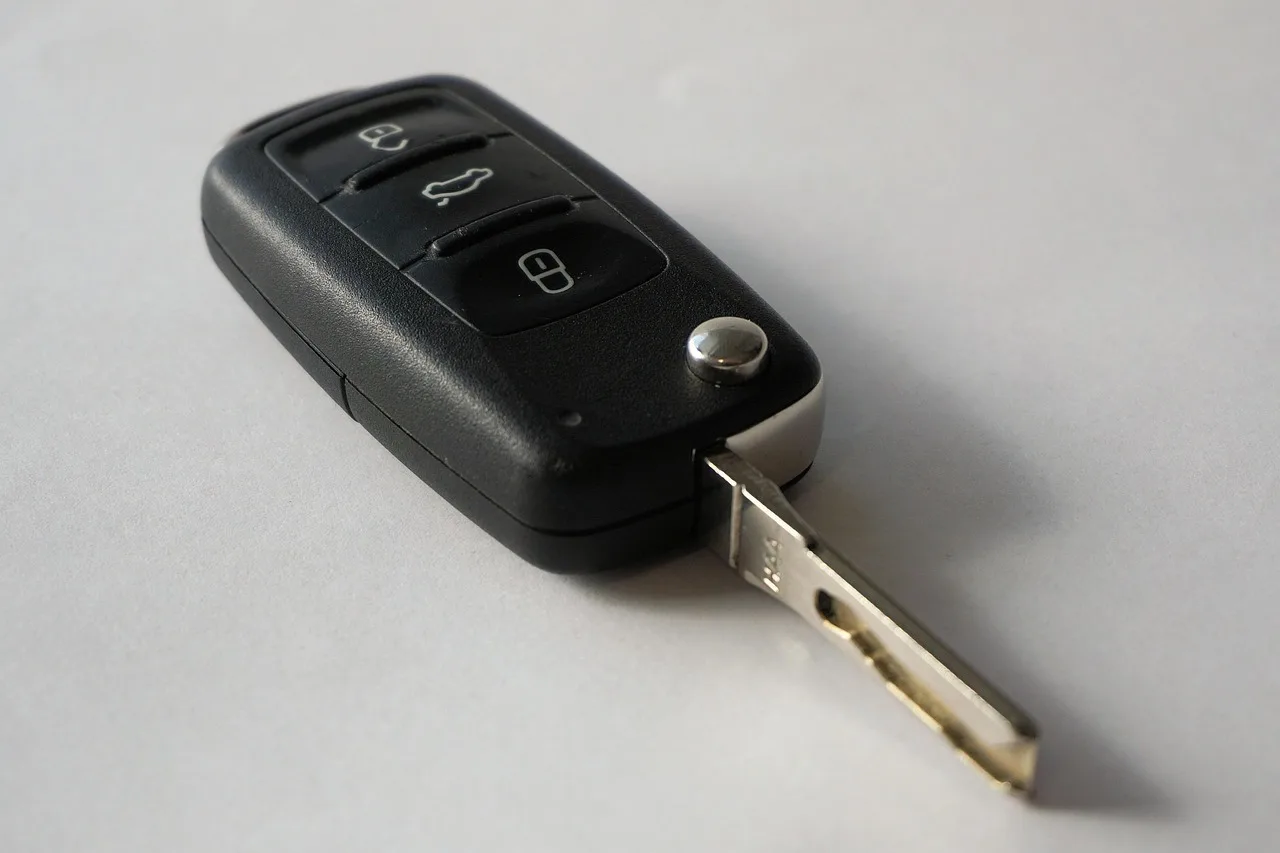
Use the hidden mechanical key blade first. On most Lincoln fobs, a side switch or back button releases the blade, and that blade opens the driver’s door by hand even when the coin-cell battery is flat. The blade is for entry, not engine start.
Remove the hidden mechanical key
- Find the release on the fob shell.
- Press or slide the release to free the metal blade.
- Pull the blade straight out.
Use the driver’s door lock
- Look for the driver’s door key cylinder or its hidden cap.
- Remove the cap only if your year uses one.
- Insert the metal key and turn it to open the door.
If the cap will not budge, stop before forcing it. A stuck trim piece is easier to damage than to fix, and the lock cylinder may be covered in a way that needs a gentler pry point or the correct handbook step for that year.
How do you start a Lincoln MKX with a dead key fob?
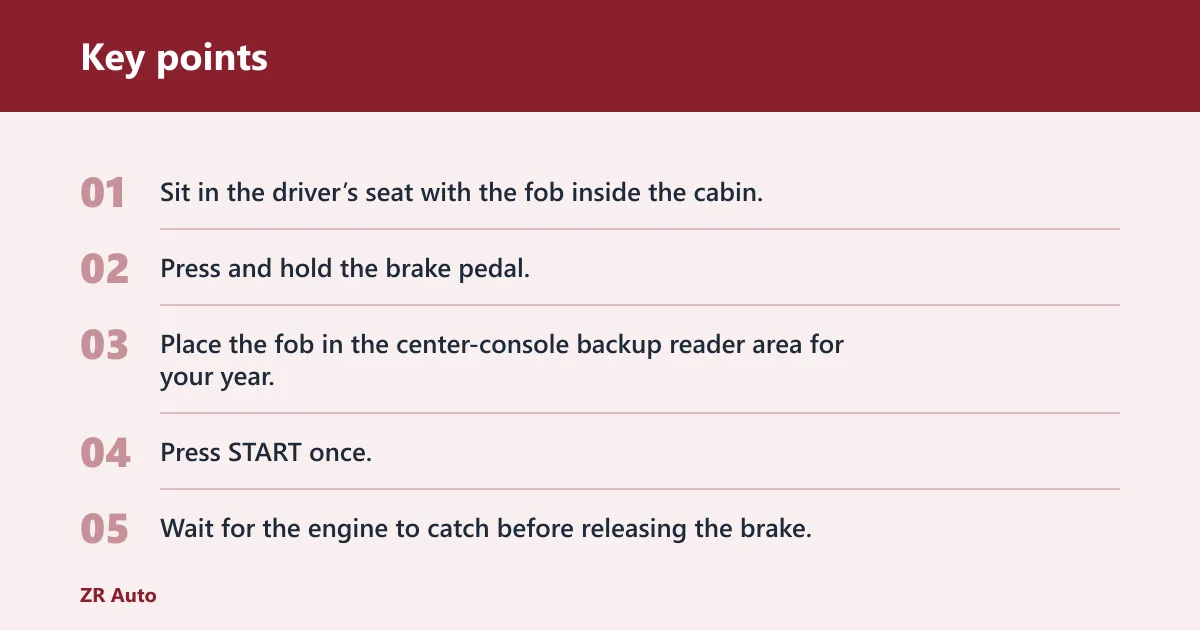
Press the brake pedal, place the dead fob in the MKX’s center-console backup reader area, then press START. Lincoln’s push-button ignition can read a passive transponder chip at close range even when the fob battery is dead, so the remote buttons may fail while the engine still starts.
Use the backup start procedure
- Sit in the driver’s seat with the fob inside the cabin.
- Press and hold the brake pedal.
- Place the fob in the center-console backup reader area for your year.
- Press START once.
- Wait for the engine to catch before releasing the brake.
The backup spot can vary by model year and fob design, so check the owner’s manual for the specific MKX if the first placement fails. Some vehicles use a designated pocket or slot in the console rather than a flat spot beside the button.
Say your 2017 MKX opens with the metal blade but says Key Not Detected after you set the fob in the console. That points you toward placement, a weak vehicle battery, or a bad fob shell before you assume the whole ignition system has failed.
MKX dead-fob decision table
| Symptom | Most likely cause | Next step |
|---|---|---|
| Locked out | Dead fob battery stopped remote open | Remove the hidden key blade and open the driver’s door manually |
| No-key-detected message | Fob is not in the correct reader spot, or the vehicle battery is weak | Move the fob to the console backup reader and try again with the brake held |
| Dash lights on but no start | Brake not pressed, poor fob placement, or a weak vehicle battery | Press the brake firmly, reposition the fob, then try once more |
| Fob works near the start button | Passive chip is being read at close range | Use that same close-range placement and replace the fob battery soon |
| Nothing works because the vehicle battery may also be dead | The SUV battery may be too weak to power the reader or modules | Check for interior lights, cluster response, and a jump-start before blaming the fob |
Why the fix sometimes fails
The most common failure is a bad fob battery, but that is not the only one. A dead coin cell can stop remote open and lock, yet the passive chip may still start the MKX when it is held close to the reader. If the message stays on, the vehicle battery may be too weak to support the system.
Check the most likely causes in order
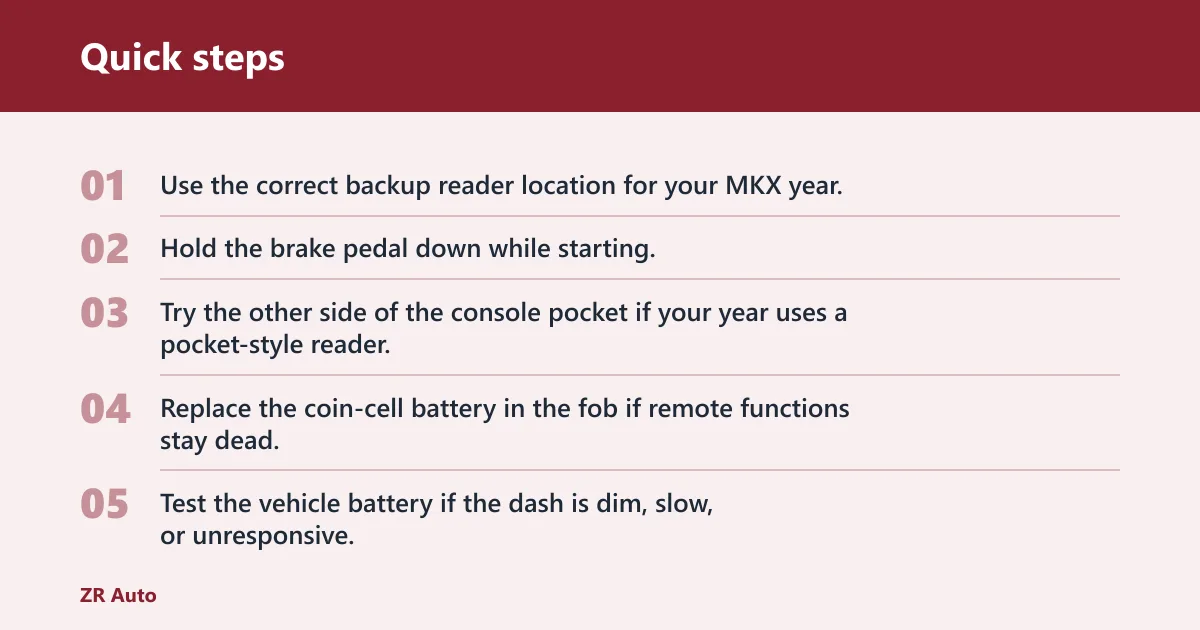
- Use the correct backup reader location for your MKX year.
- Hold the brake pedal down while starting.
- Try the other side of the console pocket if your year uses a pocket-style reader.
- Replace the coin-cell battery in the fob if remote functions stay dead.
- Test the vehicle battery if the dash is dim, slow, or unresponsive.
A common first-timer mistake is to open the door, sit down, and tap START without ever moving the fob into the backup reader area. That usually produces a no-key message, which looks like a bad fob even when the issue is only placement.
Another common miss is a covered or stiff driver’s door cylinder. If the trim cap sticks, do not pry against painted surfaces. Use the correct cap removal method for your model year, then turn the hidden blade in the lock once the cylinder is exposed.
What battery does a Lincoln MKX key fob take?
Lincoln MKX fobs use a coin-cell battery, but the exact battery can vary by fob version and model year. Many Lincoln-style smart fobs use a CR2032, while some versions use a different coin cell, so match the number printed on the old battery or the owner’s manual before you buy a replacement.
Replace the coin cell
- Open the fob shell at the seam.
- Lift out the old coin cell.
- Install the new battery with the marked side facing the same way as the old one.
- Snap the shell closed.
- Test lock, open, and the backup start procedure again.
If the fob starts working near the reader after battery replacement, the problem was likely the coin cell. If the remote still fails but the engine starts only in the console reader area, the passive chip may be fine and only the battery was weak.
Common mistakes
- Trying to start before opening the door. Use the hidden blade first if remote open fails.
- Holding the fob too far from the reader. Keep it in the verified console backup spot, not in a pocket across the cabin.
- Assuming every MKX year uses the same backup point. Check the owner’s manual for your exact year.
- Ignoring a weak vehicle battery. Low system voltage can mimic a bad fob.
- Forcing a stuck key cap. If the trim will not move, stop and use the correct removal method.
If that didn’t work, try this next
If the fob is in the right place and the MKX still will not start, move to the vehicle battery. A weak battery can prevent the reader, instrument cluster, or start logic from waking up fully, even when the fob chip is fine. That is the next thing to rule out.
Check the vehicle battery
- Turn on the interior lights or hazard flashers.
- Look for slow cranking, dim displays, or repeated reset behavior.
- If the cabin is dim or dead, charge or jump-start the vehicle battery.
- After voltage returns, repeat the brake-and-START procedure with the fob in the console reader.
Suppose the MKX opens with the blade, the dash lights come on, and the engine still refuses to start after the fob is in the correct spot. That pattern usually points away from the coin cell and toward vehicle power or reader detection, so do not keep cycling the button blindly.
One Lincoln forum answer mentions turning the key to ON and pressing remote start three times, along with a remote-start service mode. Treat that as model-specific forum guidance, not a universal MKX backup method, because the reliable path on the push-button MKX is still the brake plus proximity reader procedure.
Common complaints and misconceptions
A dead fob battery does not always mean a dead fob. The remote buttons may quit first while the passive transponder still lets the MKX start at close range. That is why door entry and engine start are separate problems, not one combined failure.
Another misconception is that the reader is always beside the start button. Some cars use that layout, but the MKX backup point is the one that matters for your year and fob design. If the owner’s manual shows a console pocket or designated slot, use that instead of guessing.
Frequently asked questions
Where do you put the fob to start a push-button Lincoln MKX?
Place it in the MKX backup reader area in the center console, not across the cabin. The fob has to be close enough for the antenna reader to power the passive chip, and the brake must be pressed when you hit START.
What does key not detected mean on a Lincoln MKX?
It means the vehicle is not reading the fob strongly enough to authorize a start. Recheck the brake pedal, move the fob to the correct console reader spot, and try again. If the message stays up, a weak vehicle battery or a bad fob can be the next cause to rule out.
How do you remove the hidden mechanical key from a Lincoln fob?
Find the side switch or back-button release on the fob shell, then slide or press it and pull the metal blade out straight. That blade is for the driver’s door lock only. It will not start a modern push-button MKX.
How do you start a 2017 Lincoln MKX with a dead key fob?
Open the door with the hidden blade, then place the fob in the backup reader area in the center console and press the brake and START button. If it still says no key detected, check vehicle voltage next, because a weak SUV battery can stop the reader from working properly.