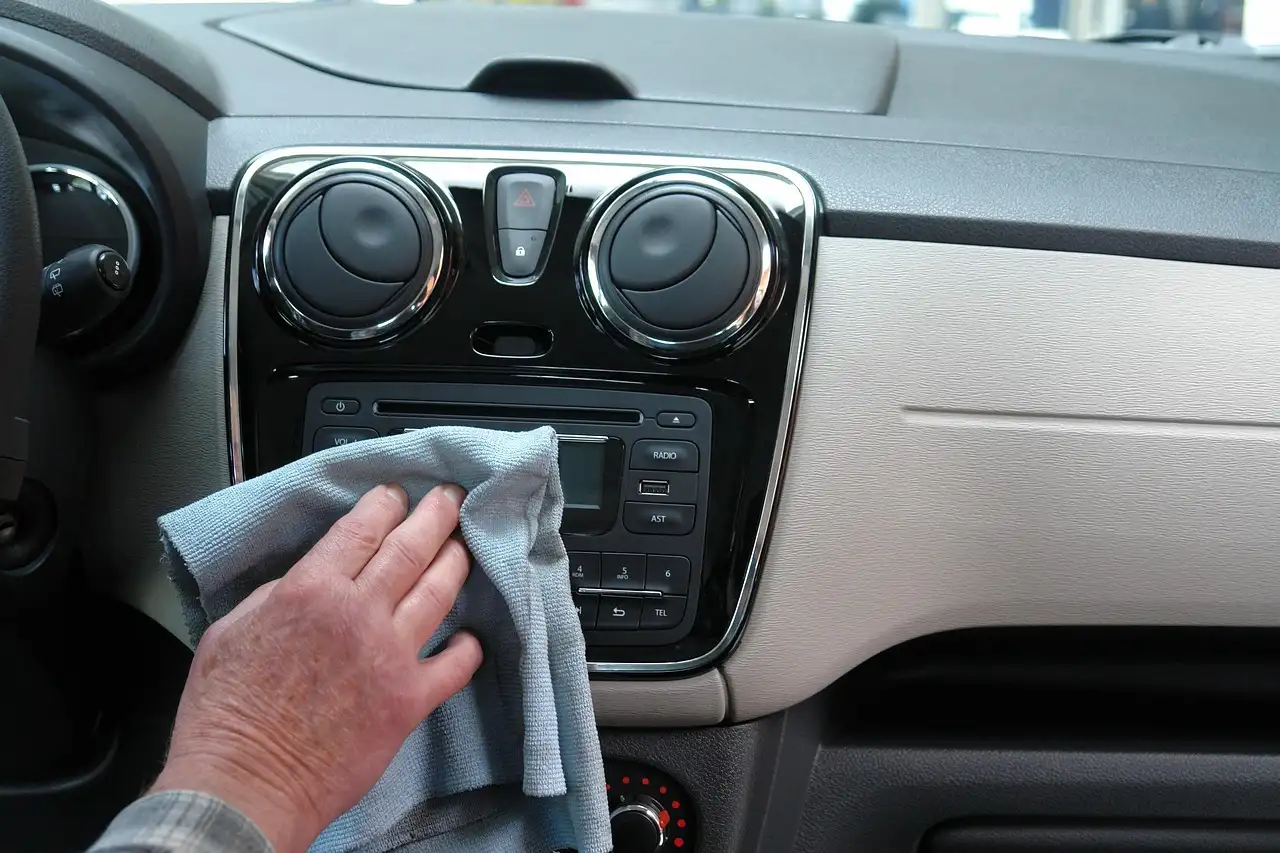
How to connect Bluetooth in a VW Jetta: quick pairing steps
On many 2010–2015 VW Jettas, open Phone or Bluetooth in the infotainment menu, set the car to be discoverable, pair your phone, then approve Contacts, Calls, and Media Audio; on older systems, follow the PIN prompt shown on the screen. Skip the permission prompts or pick the wrong profile, and calls may connect while sound stays on the phone, music never routes, or the car drops the link. This guide covers the factory pairing steps by model year, what to tap on the phone, and a quick fix tree for pairing, call audio, and music playback failures.
What you’ll need before you start
- A phone with Bluetooth turned on.
- The Jetta in ignition-on or accessory mode.
- Access to the car’s Phone, Media, or Setup menu.
- A phone with enough charge to finish pairing.
- Permission to allow contacts, call audio, and media audio if the phone asks.
How to connect Bluetooth in a VW Jetta
Start with the car’s pairing menu, then finish the connection on the phone. On many Jettas, pairing begins under Phone, Setup, or a Bluetooth menu on the radio display; on others, it starts with a Phone button, the OK/menu knob, or a screen prompt. Success usually means the phone appears in the device list and both calls and music route through the VW system.
- Turn on the Jetta’s ignition or accessory power.
- Open Phone, Setup, or Media on the radio, then choose Bluetooth or Add device.
- On the phone, go to Settings > Bluetooth and turn Bluetooth on.
- Select the Jetta from the phone’s device list, then confirm the code or pairing prompt on both screens.
- Allow Contacts, Calls, and Media Audio when prompted.
How do you pair a phone with the car?
Put the Jetta into pairing mode first, then search from the phone. Most factory systems ask you to open Phone > Bluetooth > Add device or a similar menu before the car becomes visible. Once the phone finds the VW entry, confirm the code or pairing prompt and allow the requested permissions.
How do you tell the Jetta to use Bluetooth for calls and music?
Confirm two separate routes: hands-free calling and media playback. On the phone, open the Bluetooth device details and make sure Call Audio and Media Audio are enabled for the VW entry. Then select the VW system as the output inside the phone’s call screen or media player if audio stays on the handset.
Model-year pairing matrix for common VW Jetta setups
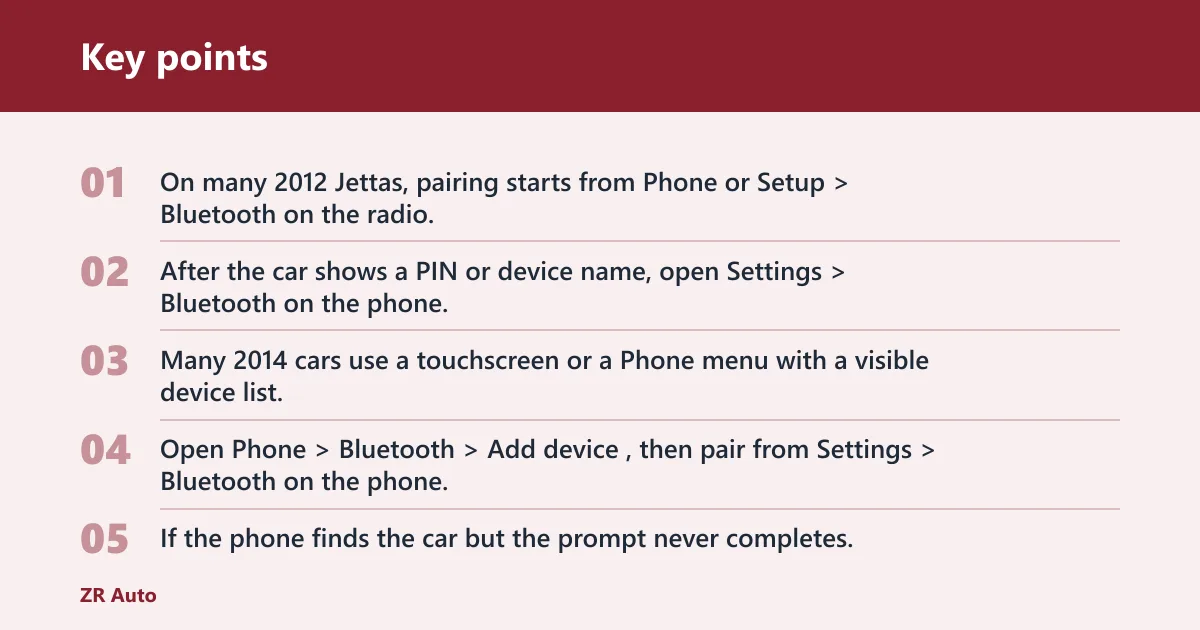
Menus vary by trim and head unit, so the year only gets you part of the way. Use the table to find the usual menu path, the prompt shape you are likely to see, and the first fix to try when the phone sees the car but pairing stalls.
| Model years | Where Bluetooth usually lives | What the pairing prompt often looks like | First step if pairing stalls |
|---|---|---|---|
| 2010–2011 | Phone menu, Setup, or a radio soft key | 4-digit PIN on the display, then a confirmation screen | Delete old VW pairings on the phone and retry |
| 2012–2013 | Phone, Media, or Bluetooth in the radio menu | “Pair device” or “Add device” prompt with code confirmation | Remove the saved device from both car and phone |
| 2014–2015 | Touchscreen menu, Phone button, or Setup > Bluetooth | Device name appears in a list, then a PIN or pairing request | Check for too many saved devices, then clear one slot |
How to connect Bluetooth in a 2012 Volkswagen Jetta
On many 2012 Jettas, pairing starts from Phone or Setup > Bluetooth on the radio. After the car shows a PIN or device name, open Settings > Bluetooth on the phone, tap the VW entry, then approve contacts and call access so hands-free calling works after pairing.
How to connect Bluetooth in Volkswagen Jetta 2014
Many 2014 cars use a touchscreen or a Phone menu with a visible device list. Open Phone > Bluetooth > Add device, then pair from Settings > Bluetooth on the phone. If the phone finds the car but the prompt never completes, delete the old pairing on both devices first.
How to connect Bluetooth in Volkswagen Jetta 2011
On a 2011 Jetta, the radio often leads the process with a PIN-based prompt. Go to Phone or Setup in the car, then select the Jetta from Settings > Bluetooth on the phone. If the PIN matches but pairing fails, stale saved devices are the first thing to remove.
How to connect Bluetooth in Volkswagen Jetta 2015
For a 2015 Jetta, start with the Phone or Bluetooth screen, then pair from the phone’s Bluetooth list. Some trims separate call and media profiles, so check the VW entry in Bluetooth details and enable both Calls and Media Audio. If the car is full of saved devices, clear one before trying again.
How to connect Bluetooth in 2014 VW Jetta
The 2014 VW Jetta usually behaves like other late Mk6 models: open the car’s Bluetooth or Phone menu first, then select the VW entry on the phone. If the phone sees the car but pairing never finishes, delete the device from Settings > Bluetooth on the phone and from the Jetta’s saved-device list, then retry.
How to connect Bluetooth in 2013 VW Jetta
The 2013 Jetta often uses a radio menu with a pairing code or device list. Start in Phone or Setup, then accept the code on both screens and allow the access prompts. If the phone shows the car but nothing happens after tapping it, restart both devices before trying a fresh pairing.
How to connect Bluetooth Volkswagen Jetta 2010
A 2010 Jetta commonly uses the older PIN style and a simpler device list. Open the radio’s Phone or Bluetooth menu, then enter the code shown on the display into the phone if it asks. If the car still will not pair, the next move is to clear old pairings and try a fresh connection.
What should you do if Bluetooth connects but audio still plays through the phone?
Check the audio routes separately. A phone may be able to pair for calls without sending music, or connect for media while leaving calls on the handset. Open the Bluetooth device details on the phone, then confirm the VW system is selected for Call Audio and Media Audio. Also raise volume on both the phone and the car.
- Open the phone’s Bluetooth device details for the VW entry.
- Turn on Calls and Media Audio if either one is off.
- During a call, select VW Bluetooth or Car Audio from the audio source picker.
- In the music app, choose the VW system as the playback output if the phone is still active.
Say your phone connects, but a call still plays through a 6-inch handset speaker while the car stays silent. That usually means pairing succeeded only for the device list, not for the call profile. If music works but calls do not, the Bluetooth entry on the phone may have media enabled and call audio disabled.
Why won’t my VW Jetta show up on my phone’s Bluetooth list?
Usually the car is not in pairing mode, the phone is not scanning properly, or an old saved connection is blocking discovery. Put the Jetta back into Phone > Bluetooth > Add device, then refresh Bluetooth on the phone. If the car still does not appear, restart both devices and try again.
Common mistakes and fast fixes
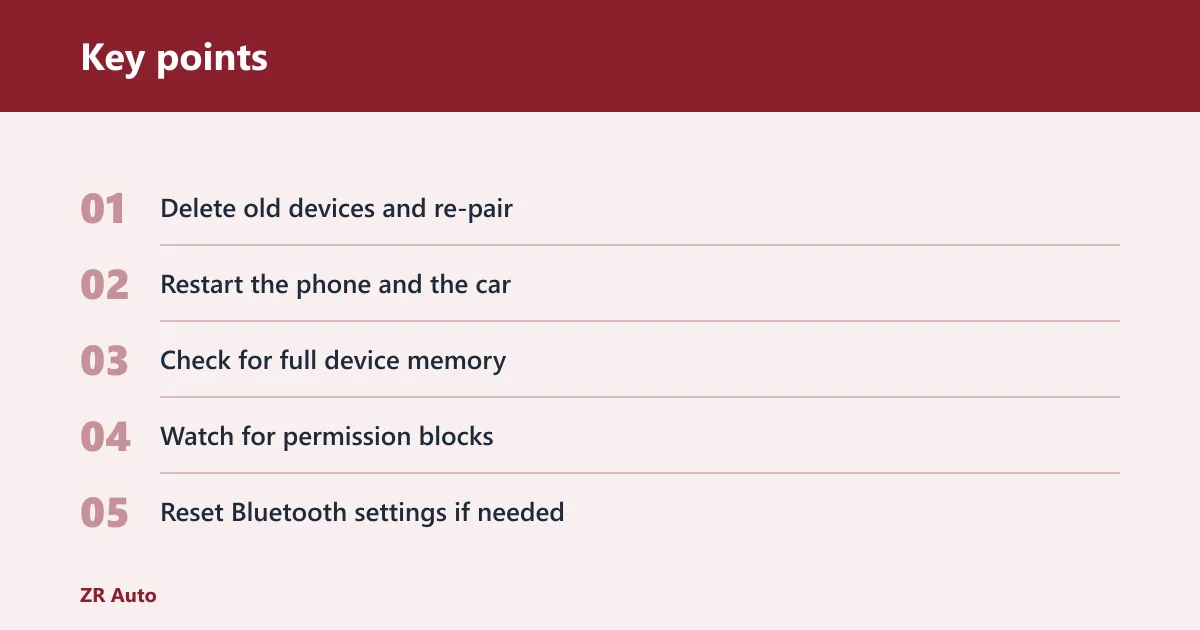
These are the failures that waste the most time. Fix them in order, because the quickest one often clears the problem.
- Delete old devices and re-pair. Remove the VW from the phone’s paired-device list and delete the phone from the Jetta’s saved devices.
- Restart the phone and the car. Turn Bluetooth off, cycle ignition power, then try a fresh scan.
- Check for full device memory. Many factory systems store a limited number of phones, so remove an unused device if the list is full.
- Watch for permission blocks. On iPhone and Android, allow contacts, calls, and media access when the prompt appears.
- Reset Bluetooth settings if needed. On Android, clear the Bluetooth app cache or reset network settings; on iPhone, remove the VW device and pair again.
If that didn’t work: check software compatibility. Some older factory systems pair poorly with newer phones after a phone OS update, especially when the car keeps an old stored profile. A full delete on both sides is the cleanest next step.
Prevention: keep only the devices you actually use in the Jetta’s saved list. A shorter device list makes reconnects faster and reduces stale-pairing failures.
Frequently asked questions
how to setup bluetooth in vw jetta
Use the factory radio’s Bluetooth or Phone screen first, not the phone. After the VW entry appears, tap it on the phone, approve the code, and check the device details afterward to ensure Calls and Media Audio are enabled for that connection.
how to use bluetooth in volkswagen jetta
After pairing, open the call screen or audio source picker on the phone and choose the VW system as output. If music or calls still route to the handset, re-open the Bluetooth device details and confirm both profiles are active for the Jetta entry.
how to connect bluetooth in volkswagen jetta 2015
Open the Jetta’s Bluetooth or Phone menu, then pair from the phone’s Bluetooth list. After the phone connects, open the device details and make sure the car is allowed for both call and media audio; that step is what usually separates a partial connection from a usable one.