What Does No Key Detected Mean on a Ford Explorer?
On a Ford Explorer, “No key detected” usually means the truck cannot read the fob, and the first checks are the fob battery, the vehicle battery, then the key-detection system if both batteries test good. Ignoring it can leave you stranded, lock out remote start, or turn a simple battery fix into a tow. This guide shows the fastest way to tell which of the three causes is most likely and what to try first.
What the warning means
“No key detected” means the Explorer’s Intelligent Access system is not seeing a valid key signal. The warning can appear even with the fob inside the cabin if the fob battery is weak, the vehicle battery voltage is low, there is radio interference, or the antenna, receiver, or module is having trouble reading the key.
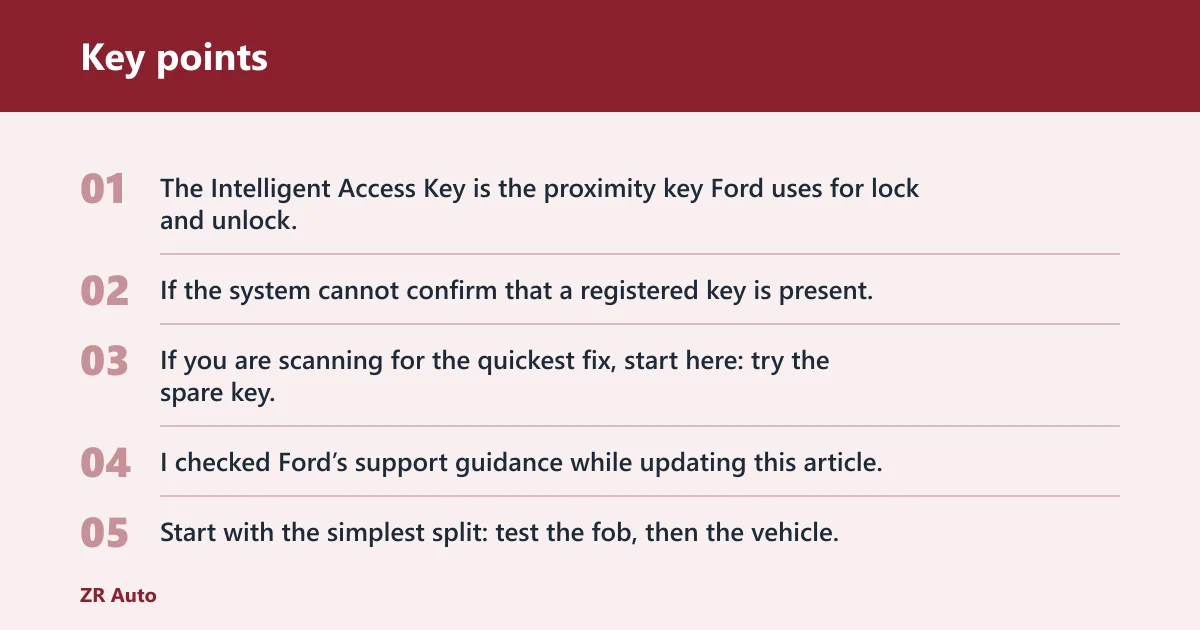
The Intelligent Access Key is the proximity key Ford uses for lock and unlock, push-button start, remote start, and passive entry. If the system cannot confirm that a registered key is present, the PATS immobilizer can block starting even if a metal blade turns in the door or a slot.
No key detected on a Ford explorer: What to check first
If you are scanning for the quickest fix, start here: try the spare key, replace the fob battery if the range is weak, then check the vehicle battery and the backup start method.
| Symptom | Likely cause | Fastest test | Next step |
|---|---|---|---|
| Range gets shorter, remote start works only sometimes | Weak key fob battery | Stand closer and try lock, start, and remote start | Replace the coin cell if response stays weak; most Ford key fobs use CR2032 or CR2450 batteries |
| “No key detected” appears suddenly after sitting, slow crank, dim lights | Weak vehicle battery | Check whether the dash lights dim or electronics act slow during start | Charge or jump the vehicle battery, then retest detection and starting |
| Original fob fails, spare works normally | Dead or damaged original fob | Compare both keys from the same distance | Replace the battery first; if the spare works and the original still fails, book service or replace the fob |
| Both fobs fail in the same way | Vehicle-side detection fault, interference, or low vehicle battery | Try the backup start method and a different parking spot | If the backup start works, battery or interference is more likely; if it does not, schedule service for the antenna, receiver, or module |
| Remote functions work in FordPass but the truck will not see the key | Key-detection issue, not a complete app failure | Use FordPass for remote lock, start, or remote start if available | Use the manual backup start method and then inspect the key, vehicle battery, or in-vehicle reader |
What should I check first when my Ford key fob is not working?
Start with the simplest split: test the fob, then the vehicle. From normal distance, try lock, unlock, and remote start, then repeat from closer to the driver door. If the response gets worse as you move away, replace the fob battery before moving on to the vehicle battery or the backup start procedure.
A common first-timer mistake is replacing the key battery without checking the spare. If the original key opens the vehicle only when held right against the handle, while the spare works from several feet away, that points to a weak coin cell in the original fob, not a failed Explorer receiver.
Is the key fob battery the problem?

Yes, a dead or weak key fob battery is one of the most common reasons for “No key detected.” Ford’s key-fob battery guidance says most Ford key fobs use CR2032 or CR2450 coin cells, and newer smart keys commonly use CR2450 batteries. Decreased range is a classic weak-battery sign; total failure to lock, unlock, or remote start points to a dead one. Ford also has a dedicated “Key battery low” help page on Ford Support, which confirms this is a warning worth acting on early rather than ignoring.
Signs of a weak key fob battery
- Shorter operating range than normal.
- Intermittent response to lock, start, or remote start.
- The truck detects the key only when the fob is very close to the cabin or start button.
- A “Key battery low” warning on the dash or in vehicle messages.
- One button works and another does not, especially on older fobs.
When to replace the coin cell
Replace the battery when range drops, the warning appears, or the fob works only part of the time. If you are not sure which cell fits, check the owner’s manual or the old battery before buying a replacement. The exact fob design can vary by Explorer model year, so the battery type should match the specific key, not the model name alone.
Ford Support also lists a help topic for the key battery low condition, and the support pages make it clear that battery warnings are meant to be addressed promptly. If both keys act weak at the same time, do not assume both batteries failed on the same day; check the vehicle battery and the detection system too.
How to check and replace the battery
- Open the fob according to the owner’s manual for that key style.
- Confirm whether the battery is a CR2032 or CR2450 before buying a replacement.
- Check the old cell for corrosion, cracks, or loose contact tabs.
- Install the new battery with the correct polarity.
- Retest lock, start, remote start, and push-button start from normal range.
Could the vehicle battery be the real cause?
Low system voltage can sometimes make the Explorer miss a key that is present. A weak vehicle battery can reduce antenna and module performance, create false “No key detected” messages, and make the start button act as if the fob has vanished. If the dash is slow, dim, or flaky, check the vehicle battery next.
Simple battery-state checks
- Look for slow cranking or repeated clicking when you press start.
- Watch for dim interior lights or a display that powers up sluggishly.
- Notice whether multiple electronics act odd at once, not just the key system.
- Check whether the warning appeared after the vehicle sat for a while, especially in cold weather.
If the vehicle battery is weak, a jump or charge may restore normal voltage long enough to confirm the diagnosis. If the warning disappears after charging and returns later, the battery may be nearing the end of its life or the charging system may need attention. Do not keep relying on a jump-start for repeated no-detection events.
Picture an Explorer that starts fine in the morning, then shows “No key detected” after a short stop at the store. If the instrument panel also dims and the engine cranks slowly, the vehicle battery is a stronger suspect than the fob. That is a different path from a key that only works from an inch away.
How do you start the Explorer if it says no key detected?
Use the backup start method if the Explorer cannot read the fob normally. Ford support includes a specific backup-start help topic for Intelligent Access keys, and the procedure depends on model year because the backup slot or reader location can change. Ford’s help content for the intelligent key backup slot is here: https://www.ford.com/support/how-tos/search-results/?query=intelligent%20key%20backup%20slot. This is not the same as a normal push-button start with a healthy fob.
Backup start slot and location differences
Ford’s support sitemap includes “How do I find the intelligent key backup slot?” That matters because the emergency reader is not always in the same place from one Explorer generation to another. On some vehicles it is in or near the center console or cupholder area; on others it is placed at another cabin access point. Use the owner’s manual for your exact year.
Backup-start procedure
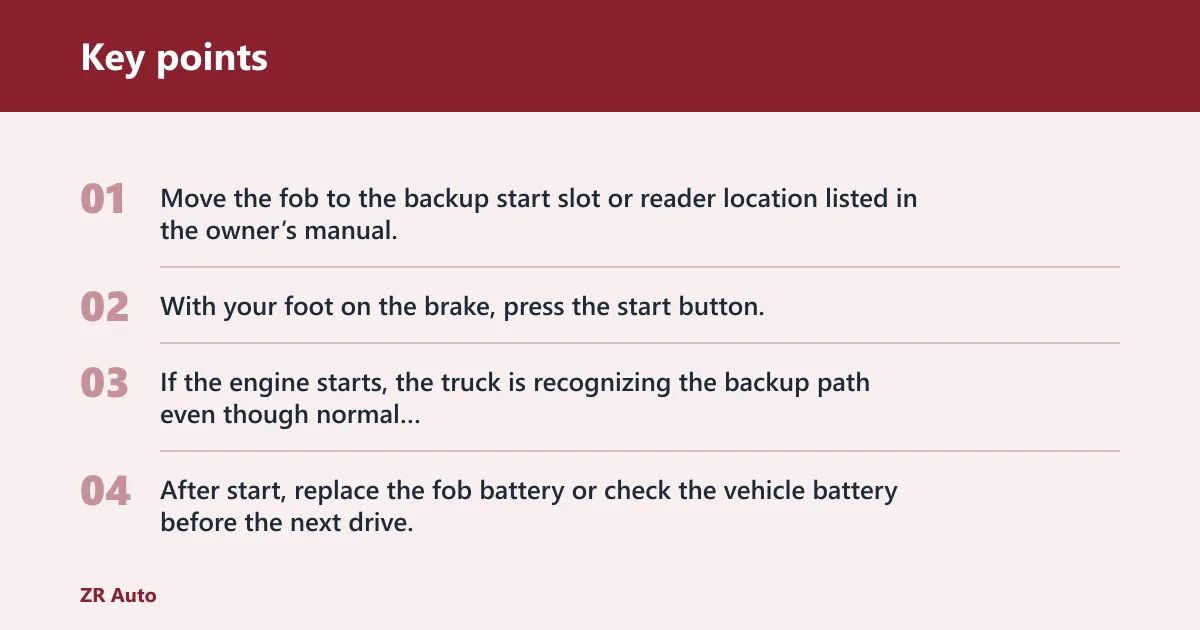
- Move the fob to the backup start slot or reader location listed in the owner’s manual.
- With your foot on the brake, press the start button.
- If the engine starts, the truck is recognizing the backup path even though normal detection is weak.
- After start, replace the fob battery or check the vehicle battery before the next drive.
The normal start path relies on the Explorer reading the fob by proximity. The backup slot is the emergency fallback when that wireless read fails. If the backup method works, the key is not necessarily “good”; it just means the system can still read it through the backup reader.
Ford owner manual and support guide
Ford’s owner manual is the most reliable source for the exact placement and steps on your Explorer. Ford support also lists a guide for the Intelligent Access backup start process, plus help topics for finding the backup slot, unlocking when the Intelligent Access Key is not working, and making a Phone As A Key backup start passcode. Those model-specific steps matter more than generic advice.
When the spare key points to a bigger fault
If the spare key works normally, the original fob is the likely problem. If both keys fail the same way, look beyond the battery. That can point to low vehicle voltage, interference, a damaged antenna, a receiver problem, or a module fault that keeps the Explorer from seeing any valid registered key.
What a working spare tells you
A working spare is the quickest comparison test here. If the spare unlocks the doors, remote starts the vehicle, and starts the Explorer without drama, the original key should get the first battery replacement or inspection. If both keys need the backup reader, the fault is probably on the vehicle side.
The PATS immobilizer adds another layer. Ford’s anti-theft system requires a properly registered key, and a metal copy alone will not start the vehicle without programming. So if the system does not accept the key signal, turning a blade or forcing a lock cylinder will not bypass the no-start condition.
Signs of antenna, receiver, or module trouble
- Both fobs fail, even after fresh batteries.
- The backup start method does not help.
- The vehicle randomly forgets the key in different parking locations.
- Remote and proximity functions fail together, but the fobs still have new batteries.
- The warning returns immediately after a known-good key is used.
If both keys are fresh, yet the truck only starts when the fob is held in the backup reader and the warning returns the next day, that pattern is more consistent with a vehicle-side detection fault than with two bad batteries. At that point, reprogramming, diagnosis of the receiver path, or a replacement module may be needed.
FordPass, the owner manual, and getting help
FordPass can still help when the key warning appears. If the app is connected and the vehicle is online, you may still be able to check vehicle status, lock or unlock the doors, or use remote start. Ford support also lists a help topic for remote start not working in the Ford app, so app trouble and key detection trouble can be separate issues.
What FordPass can still confirm
- Whether remote lock and unlock respond.
- Whether remote start is available from the app.
- Whether the vehicle reports status normally.
- Whether the issue is in the app, the key, or the vehicle itself.
Ford support includes several useful breadcrumbs: a topic for getting a spare key, a topic about unlocking when the Intelligent Access Key is not working, a backup-start help topic, and a page for making a Phone As A Key backup start passcode. Those are all signs that Ford expects different failure paths, not one universal fix.
Book service if a new key battery, a working spare, and the backup start method do not solve it. A dealer or locksmith may need to inspect registration, reprogram a key, or diagnose the receiver and module path. If the key is lost or damaged, a replacement key is usually the cleanest next step.
Frequently asked questions
What does “No key detected” mean on a Ford Explorer?
It means the Explorer cannot read a valid Intelligent Access key signal. The usual causes are a weak fob battery, a weak vehicle battery, interference, or a fault in the key-detection hardware. The fastest way forward is to test the fob battery, then the vehicle battery, then the backup start method.
Why does my Ford Explorer say no key detected when the fob is inside?
The fob can be inside the cabin and still not be read if its battery is weak, the vehicle battery is low, or interference is blocking the signal. A damaged receiver or antenna can do the same thing. If the spare key works, the original fob is the more likely problem.
Can a dead key fob battery cause no key detected?
A dead battery can stop the Explorer from detecting the fob, and a weak battery often shows up first as shorter range or intermittent response. Ford key fobs commonly use CR2032 or CR2450 coin cells, and a “Key battery low” message is your cue to replace it.
How do I start my Ford Explorer if it says no key detected?
Use the backup start slot or reader listed in the owner’s manual for your model year, then press the brake and start button. The exact location can vary by year, so do not guess. If that works, replace the fob battery or check the vehicle battery next.
Where is the backup slot or backup start location on a Ford Explorer?
The location changes by model year, which is why Ford’s support guide includes a specific help topic for finding the intelligent key backup slot. Common locations can include the center console or another cabin access point. Check your owner’s manual for the exact place on your Explorer.
How do I get help if my Ford app or vehicle access is acting up?
Use FordPass to check vehicle status and test remote lock, unlock, or remote start if those features still respond. If the app works but the key does not, the issue is likely on the key or vehicle side. If neither works, book service and bring the spare key too.