Ford Explorer Common Problems and Buyer’s Guide
By ZRAutosales Editorial Team
Author bio: ZRAutosales’ editorial team researches used-vehicle risk using manufacturer service information, owner manuals, recall data, and complaint patterns from NHTSA to help shoppers spot high-cost failures before they buy. This guide focuses on the Ford Explorer’s known mechanical weak points, what they typically look like during a test drive, and how to separate deal-breakers from negotiation items.
For a used Ford Explorer, treat transmission shudder or hard shifting, coolant leaks, and timing-chain noise as top deal-breaker risks; minor interior and infotainment faults are usually negotiation items. Ignore them, and you can inherit repair bills that quickly outrun any cheap purchase price. This guide ranks Explorer problems by risk, then gives you inspection checks and price-negotiation moves for each one.
Ford Explorer buyer risk overview
The Explorer is a three-row SUV with room for adults in the second and third rows, plus towing strength that varies by engine and drivetrain. On used examples, the right question is not “good or bad,” it is which generation, which drivetrain, and which service records you can verify.
For shopping, put safety and high-dollar mechanical failures first, then treat comfort and infotainment faults as bargaining items. A clean-looking listing can still hide major exposure if the service history is thin or the VIN report shows title or mileage problems.
How to think about risk by generation and drivetrain
Ford Explorer generations matter because the failure patterns change with the platform. The 2nd generation covers model years 1995 to 2001, the 3rd generation covers model years 2002 to 2005, the 4th generation covers model years 2006 to 2010, the 5th generation covers model years 2011 to 2019, and the 6th generation covers model years 2020 to present.
AWD also changes the inspection. On AWD Explorers, check the PTU, listen for driveline vibration, and ask about fluid service. On non-AWD examples, focus more on transmission behavior, steering assist, cooling, and suspension wear.
Which problems matter most before you inspect a listing?
Start with the failures that can strand the vehicle or turn into a major bill quickly: water pump contamination, PTU overheating, EPAS steering loss, and transmission wear. Then look for the symptoms that point to those systems before you ever schedule a visit. A vague “needs TLC” note is not enough.
Say your search turns up a 2014 AWD Explorer with 92,000 miles, a faint coolant smell, and a seller who cannot explain recent service. That combination deserves a harder look than a similar truck with records, clean fluids, and no dashboard warnings.
Explorer risk matrix
This matrix turns the main Explorer problems into a shopping filter. Use it while reading listings, then again during the test drive. The buyer action column is the quickest decision aid: buy if the risk is low and the records are clear, negotiate if the issue is real but manageable, and walk if the repair exposure is high or the symptoms point to safety risk.
| Generation or system | Likely failure system | Primary symptoms | Approximate mileage window | Estimated repair cost range | Inspection check | Buyer action |
|---|---|---|---|---|---|---|
| 2nd Gen 1995 to 2001 | General age-related wear, suspension, cooling, transmission service gaps | Fluid leaks, rough shifts, tired steering feel, aged bushings | Often higher-mileage survivors; risk rises sharply with age and deferred service | Varies widely by system | Service records, leak inspection, road test for shifting and steering feel | Negotiate only if documentation is strong |
| 3rd Gen 2002 to 2005 | Transmission wear, aging electronics, suspension bushings | Harsh shifts, warning lights, clunks over bumps | Mid to high mileage examples need close screening | Varies by fault | Scan for stored codes, check shift quality, inspect suspension play | Negotiate if the fault is isolated; walk if multiple systems show wear |
| 4th Gen 2006 to 2010 | 6R60/6R75 automatic transmission | Delayed engagement, slipping, hard or flare shifts, tow-related heat damage | Exposure rises with towing, load, or delayed service | Often several thousand dollars for major repair or replacement; Ford owner manuals stress checking for abnormal shift behavior, and NHTSA complaint patterns commonly describe delayed engagement, slip, and harsh shift events | Check service history, fluid condition, and shift behavior under light throttle | Walk if transmission symptoms are present; negotiate only with proof of recent work |
| 5th Gen 2011 to 2019 | 3.5L Duratec V6 internal water pump | Coolant loss, oil contamination, overheating, timing-area noise | 80,000 to 120,000 miles | $2,500 to $4,500; this range reflects major labor because the pump is buried behind engine components, and actual totals can shift with labor rate and collateral damage | Check coolant condition, oil condition, and evidence of mixed fluids | Walk if contamination is present; negotiate hard only with proof of completed repair |
| 5th Gen 2011 to 2019 AWD | PTU | Grinding noise, vibration, overheated fluid, leak marks near drivetrain | 70,000 to 130,000 miles | $1,800 to $3,000; severe heat damage, fluid contamination, or AWD-related collateral wear can push it higher | Inspect for fluid seepage, smell of overheated gear oil, and road-test vibration | Negotiate if symptoms are mild and records are complete; walk if it grinds |
| 5th Gen 2011 to 2019 | EPAS | Sudden steering assist loss, dashboard warning message, heavy steering feel | After 50,000 miles | $1,500 to $2,500 | Confirm no steering warnings, no binding, and no intermittent assist loss on turns | Walk if assist is intermittent or absent; this is a safety issue |
| 2013 to 2017, mainly 5th Gen | Rear toe compensator linkages | Clunking over bumps, uneven rear tire wear, alignment drift | Common with age and mileage in this range | Usually lower than drivetrain repairs, but alignment and wear add up | Inspect rear tire wear patterns and listen over broken pavement | Negotiate if isolated; walk if wear points to broader suspension neglect |
| 6th Gen 2020 to present | Current-platform screening for leaks, electronics, driveline noise, service gaps | Warning lights, odd vibrations, fluid seepage, inconsistent service history | Early ownership period or higher-mileage used examples | Varies by system | Review VIN report, service records, and scan for warning messages | Buy only with clean records and clean inspection results |
How to read the matrix during a listing search
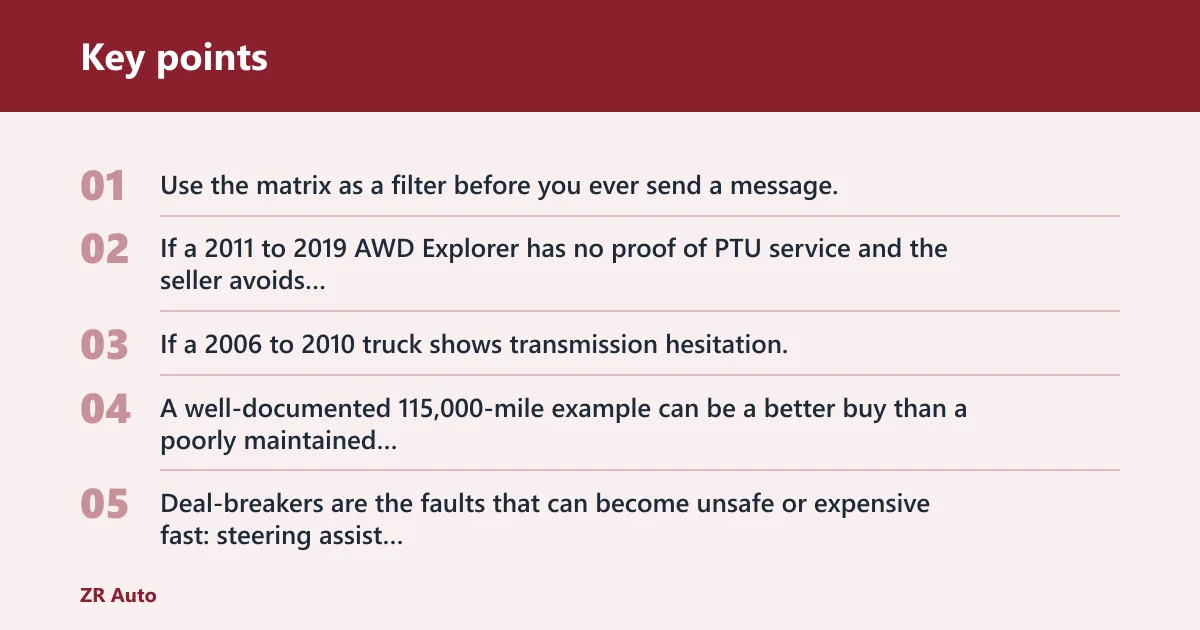
Use the matrix as a filter before you ever send a message. If a 2011 to 2019 AWD Explorer has no proof of PTU service and the seller avoids detailed questions, that is already a negotiation or walk signal. If a 2006 to 2010 truck shows transmission hesitation, do not treat it as “maybe normal for age.”
A common buyer mistake is to judge a Ford Explorer by odometer reading alone instead of checking for transmission shudder, cooling-system leaks, and rust in the undercarriage. A well-documented 115,000-mile example can be a better buy than a poorly maintained 78,000-mile one, especially when the listing hints at cooling, steering, or transmission work that was never completed.
Deal-breaker versus negotiation-only issues
Deal-breakers are the faults that can become unsafe or expensive fast: steering assist loss, coolant contamination in the oil, and clear transmission slip or flare. Negotiation-only issues are the smaller items that do not point to a hidden drivetrain bill, such as worn tires, aged brake pads, or a weak cabin accessory.
Seller wording matters. “Needs nothing” means little without records. “Recent work” means little without an invoice that names the part, date, and mileage.
Which Explorer years should I avoid?
Avoiding certain years is less about a single bad badge and more about risk concentration. The 2nd generation can be old enough that wear dominates the decision. The 4th generation carries meaningful transmission exposure. The 5th generation is the toughest zone because it combines the water pump, PTU, EPAS, and rear suspension issues that can turn a bargain into a repair queue.
2nd Gen 1995 to 2001: what to watch
These trucks are old enough that condition matters more than odometer reading alone. Age-related leaks, tired bushings, and unknown service history are the main problems. A clean, well-documented survivor can still be worth a look, but thin records or obvious neglect should move it down your list.
3rd Gen 2002 to 2005: problem patterns to screen
This group is best treated as a careful-inpection buy. Look closely at transmission shift quality, dash warning lights, and suspension clunks. If the seller cannot document fluid service or if the truck feels vague and tired on the road, the repair risk can outweigh the purchase price quickly.
4th Gen 2006 to 2010: transmission exposure and towing stress
The 6R60/6R75 automatic transmission is the headline risk here. Premature failure is more likely when the truck has been used for towing, heavy loads, or delayed fluid service. If a test drive reveals slipping, delayed engagement, or erratic shifting, that is not a small issue.
Picture a 2008 Explorer with a hitch, stained trailer wiring, and a seller who says it “pulled fine.” That history does not prove damage, but it does tell you where to focus: transmission behavior, fluid condition, and whether the vehicle spent its life working harder than average.
5th Gen 2011 to 2019: the highest-risk used-buy zones
This generation needs the deepest screening. The 3.5L Duratec V6 water pump issue can mix coolant with engine oil, and the repair often requires major labor because of access. AWD models add PTU risk, and 2013 to 2017 examples can also show rear toe compensator linkage wear. One truck can carry more than one of these problems at once.
6th Gen 2020 to present: what to inspect on newer used examples
Newer used Explorers should not be assumed safe just because they are recent. You still need a VIN report, service records, and a test drive that checks for fluid seepage, warning messages, noise, and vibration. The purchase decision is cleaner when the history is complete and the scan finds no stored issues.
3.5L water pump and PTU failures
The 3.5L water pump issue and the PTU are the two repairs most likely to change a deal from “good candidate” to “walk away.” The first can contaminate the engine oil with coolant. The second can overheat, leak, grind, and shake the driveline. Both deserve direct questions before you inspect the truck.
Internal water pump failure and coolant mixing with oil
The 3.5L Duratec V6 water pump issue is tied to 2011 to 2019 Explorers and is often discussed as appearing around 80,000 to 120,000 miles. The repair cost is estimated at $2,500 to $4,500. Ford owner information and common owner complaints point to coolant loss, overheating, and contamination as the key symptom cluster, with timing-area noise sometimes appearing alongside the leak.
Check the oil cap, dipstick, and coolant reservoir for signs of contamination. Milky residue, an unexplained coolant drop, or a sweet smell from the engine bay should make you very cautious. If the seller cannot explain recent cooling work, do not assume it is minor.
PTU overheating, leakage, grinding, and vibration on AWD models
PTU problems are tied to AWD fifth-generation Explorers and are often described as appearing between 70,000 and 130,000 miles. Replacement cost is estimated at $1,800 to $3,000. NHTSA complaint patterns and owner reports consistently highlight grinding, vibration, hot fluid odor, and visible seepage as the red-flag symptoms.
Inspect the underside for seepage near the drivetrain, then test the vehicle on a steady road surface and during low-speed turns. If the PTU howls, grinds, or leaves fluid marks, assume more than a simple fluid change may be needed.
What these repairs usually mean for negotiation or walk-away decisions
A documented repair is very different from a suspected one. If the water pump or PTU has already been replaced by a reputable shop and the records are clear, the truck may still be worth buying at the right price. If the symptoms are active, the safer move is usually to walk.
For negotiation, ask for the exact repair invoice, not a verbal promise. A seller who cannot prove the work should not receive full price for a vehicle that already shows the symptom pattern.
Why do Explorer steering and suspension issues matter?
Steering and suspension faults affect control, tire wear, and confidence on the road. On the Explorer, EPAS failures can become a safety issue, while rear toe compensator linkage wear can ruin tires and make the rear end feel loose. These are not cosmetic faults if they change how the SUV tracks or turns.
EPAS warning signs and steering assist loss
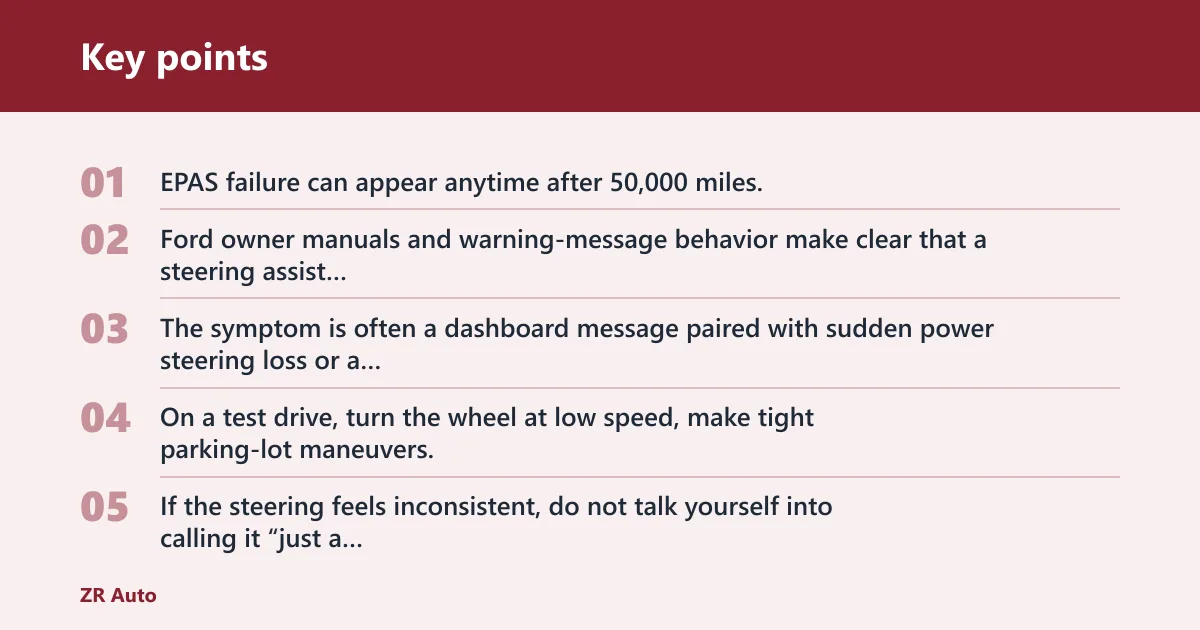
EPAS failure can appear anytime after 50,000 miles, and repair costs are estimated between $1,500 and $2,500. Ford owner manuals and warning-message behavior make clear that a steering assist warning or heavy steering feel should be treated as a serious fault, not a convenience issue. The symptom is often a dashboard message paired with sudden power steering loss or a steering wheel that feels much heavier than normal.
On a test drive, turn the wheel at low speed, make tight parking-lot maneuvers, and watch for intermittent assist loss. If the steering feels inconsistent, do not talk yourself into calling it “just a sensor.” That is not a comfortable ownership risk.
Rear toe compensator linkage wear and uneven tire wear
Rear toe compensator linkages are often reported as a wear item on 2013 to 2017 models. The signs are clunking over bumps, uneven rear tire wear, and alignment drift that can show up as a rear-end wiggle on uneven pavement. The repair itself may not match the cost of a water pump or transmission, but it can signal broader suspension neglect.
Check the rear tires closely. Cupping, feathering, or one-sided wear tells you the alignment has not been stable. If the seller rotated tires late, skipped alignments, or ignored clunks, expect more suspension work than the listing suggests.
Test-drive clues that separate nuisance wear from major repair risk
Nuisance wear is usually repeatable but limited: a single clunk over a sharp bump or a tire noise that matches age. Major risk usually adds steering warning lights, vibration, wandering, or a feeling that the truck is not returning to center properly. That difference matters more than the seller’s description.
Suppose a 2016 Explorer clunks once over a driveway seam but tracks straight, shows even tire wear, and has no steering warning. That leans toward a bargaining item. If the same truck also flashes a steering message and feels heavy at low speed, treat it as a walk-away candidate.
Transmission and AWD inspection points
Transmission and AWD checks should happen before any enthusiasm about trim level or options. The Explorer can be pleasant when these systems are healthy. When they are not, the repair exposure can erase the value of a low sticker price.
6R60/6R75 transmission risks on 2006 to 2010 models
The 6R60/6R75 automatic transmissions in 2006 to 2010 Explorers deserve close attention. Premature failure risk rises with towing, heavy loads, and delayed service. During the drive, listen for delayed engagement from Park to Drive, slipping during acceleration, harsh upshifts, or flare between gears.
If the seller says the fluid is “lifetime,” ask for the service history anyway. A truck that was worked hard and never serviced is a much riskier buy than a lightly used example with documented maintenance.
AWD versus non-AWD inspection priorities
AWD examples require extra scrutiny because the PTU adds heat, fluid, and wear points. Check for grinding, vibration, and leaks near the AWD hardware. Non-AWD examples remove that PTU risk, so the focus shifts toward transmission, steering, suspension, and cooling.
That does not make non-AWD perfect. It just means you have one fewer expensive system to worry about during the inspection.
Signs of past heavy towing or neglected fluid service
Look for a hitch with no matching service record, dark or burnt-smelling fluids, and a transmission that hesitates after a long pull. Heat damage often leaves clues long before complete failure. Stiff shifts, repeated service gaps, and trailer wiring can all point in the same direction.
Ask whether the vehicle towed frequently, what it pulled, and how often the fluid was changed. A careful seller can answer without hesitation. A vague answer is useful too.
Used Explorer inspection checklist
This checklist is the shortest path from listing to decision. Follow it in order so you do not get distracted by clean upholstery or a shiny exterior. The goal is to find evidence, not excuses.
Red Flag: If the seller avoids showing cold-start behavior, will not let you inspect fluids, or says a warning light is “just a sensor,” stop and verify before you proceed. On an Explorer, steering warnings, coolant contamination, or transmission flare are not minor cosmetic issues.
Pro Tip: Bring a white paper towel and inspect the oil cap, dipstick, and coolant reservoir at the same time. Mixed fluid colors, residue, or a burnt smell often tell you more than a polished listing photo.
- Review service records for oil changes, coolant service, transmission service, and any steering or AWD work.
- Check the VIN report for title brands, salvage history, mileage consistency, and registration gaps.
- Inspect coolant condition and oil condition for contamination, residue, or unexplained loss.
- Look under the vehicle for fluid leaks near the engine, transmission, rear suspension, and AWD components.
- Test drive for hard shifts, delayed engagement, shudder, steering heaviness, clunks, grinding, and vibration.
- Watch the dash for warning messages during startup and while turning or accelerating.
- Verify tire wear across all four corners, with extra attention to the rear tires.
- Ask for written proof of any major repair, not a verbal summary.
Service records and maintenance gaps
Service records tell you whether the Explorer was maintained on schedule or simply kept alive. Gaps are not always fatal, but they raise the risk of hidden wear. If there is no clear proof of fluid service, pay more attention to the test drive and the underside inspection.
Coolant, oil, and fluid leak checks
Use clean visual checks first. Look for crusty residue around hose connections, wet spots below the engine, and dark seepage near the transmission or PTU area on AWD models. Coolant and oil should each look normal for the mileage and service history.
Noise, vibration, and warning-message checks on the test drive
Noise and vibration are often the fastest clues to major trouble. A smooth Explorer should not grind, shudder, or pull steering effort away from you. Any steering warning, transmission flare, or driveline vibration deserves a closer look before money changes hands.
VIN report items you should verify before making an offer
The VIN report should confirm title status, mileage consistency, and registration gaps. A salvage or branded title changes the value conversation immediately. Mileage jumps or gaps do not always mean fraud, but they do mean you need better answers before you bid.
Negotiation scripts
Use these scripts to keep the conversation focused on facts, not pressure. The goal is to tie price directly to risk, documentation, and repair evidence.
If the seller cannot prove major service
“I like the truck, but I can only value it based on documented maintenance. Without an invoice for the water pump, PTU, transmission, or steering work, I need to price in the risk of doing that repair myself.”
If you spot a symptom but no repair record
“The symptoms I’m seeing match a known Explorer issue, so I need to discount the asking price for possible repair exposure. If you can provide a dated invoice, I can reassess, but right now the price has to reflect the unknown.”
If the seller says the issue is normal
“Normal wear does not usually include steering warnings, coolant contamination, or transmission slip. I’m happy to continue if the truck is priced for the condition, but I’m not paying top market for a known fault pattern.”
If you want to walk without arguing
“Thanks for the time. Based on the inspection and the records, this one is outside my risk comfort zone.”
What questions should I ask the seller about an Explorer’s maintenance history?
Ask direct questions about oil changes, coolant service, transmission service, steering work, and any AWD repairs. You want dates, mileage, and invoices, not general reassurance. If the seller cannot say when the water pump, PTU, or steering components were last addressed, treat that as missing information, not a minor detail.
Frequently asked questions
What are the most common problems on a Ford Explorer?
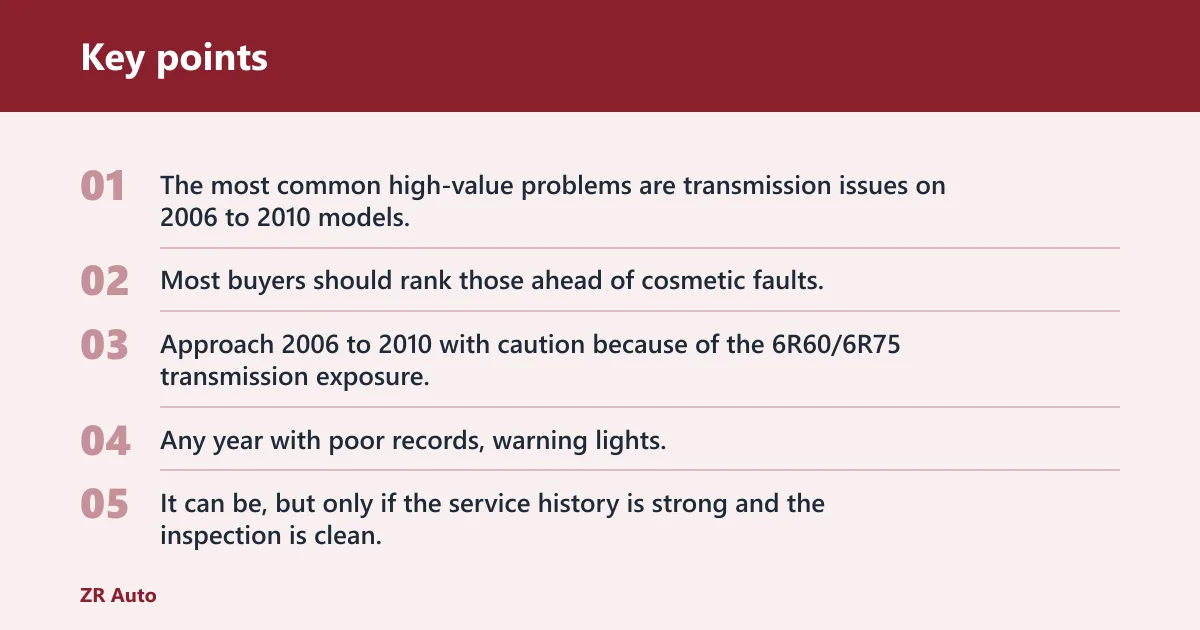
Most buyers should rank those ahead of cosmetic faults.
Which Ford Explorer years should I avoid?
Any year with poor records, warning lights, or fluid contamination should move toward a walk.
Is the Ford Explorer reliable after 100,000 miles?
It can be, but only if the service history is strong and the inspection is clean. After 100,000 miles, the key question is not the odometer alone; it is whether the truck has avoided coolant contamination, transmission abuse, steering faults, and neglected AWD service. Records matter more than bragging rights.
How much can Explorer water pump or PTU repairs cost?
Those numbers can change with labor rate and collateral damage, so a clean repair invoice is worth more than a vague promise that the problem was “handled.”
What should I inspect on a used Ford Explorer before buying?
Check service records, coolant condition, oil condition, fluid leaks, steering warning messages, transmission shift quality, AWD vibration, and tire wear. Also run a VIN report for title brands, salvage history, mileage consistency, and registration gaps. If the seller resists any of those checks, the answer is information, not pressure.
Which Explorer generation is the safest used buy?
The safest used buy is usually the one with the cleanest records and the fewest warning signs, not a single generation on paper. That said, the 6th generation can be a sensible target if the VIN report is clean and the inspection is quiet, while 5th generation AWD trucks need the deepest scrutiny.
Which Ford Explorer years are best to shop for a used family SUV?
Shop the years with strong records, no steering or coolant warnings, and no sign of PTU or transmission distress. A later-model non-AWD Explorer with documented maintenance is often easier to screen than a higher-risk AWD example from the 2011 to 2019 group. Condition and records should decide the final answer.