How to Start a Dodge Charger Without a Key Fob
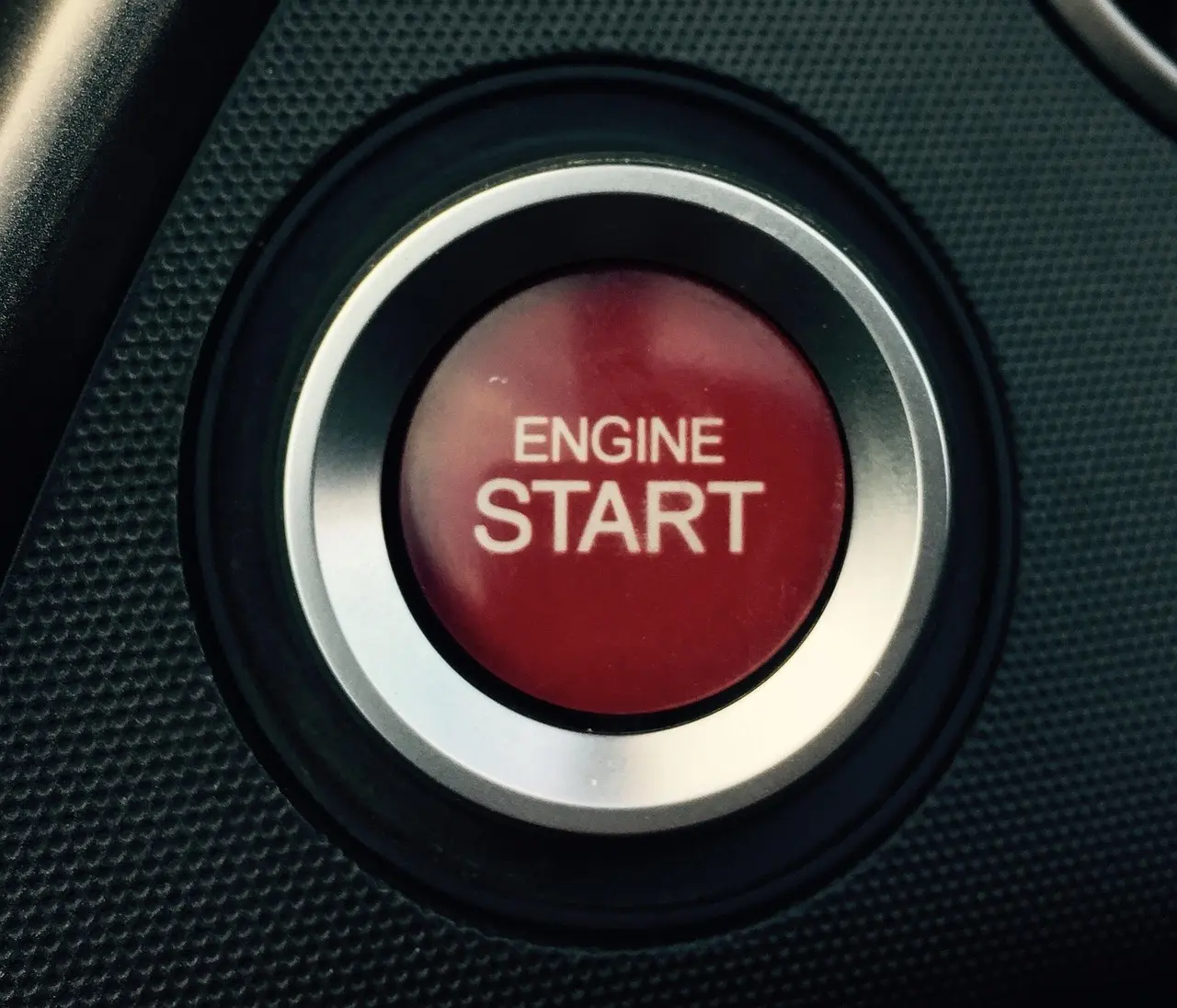
The Dodge Charger emergency start procedure is simple: press the brake firmly, place the key fob at the backup reader, and press START/STOP once. If nothing happens, wait about 3 seconds and press START/STOP again. Holding the button can trigger accessory mode instead of starting, so use a quick press, not a long one. If the fob battery is dead, the Charger can still read the fob at the reader point.
For the reader location, use the right side of the steering column at the rectangular slot marked with a small key icon. Dodge owner-manual language for this system places the backup reader there, and trim/year differences can exist, so a model-specific manual should confirm the exact layout for your Charger. If the first attempt fails, the table below helps separate a dead fob from a weak 12V battery or a vehicle-system fault. See also the Mopar guidance on proximity starting and keyless entry: Mopar owner manuals, Mopar how-to videos, and Mopar keyless entry support.
What you’ll need
- The Dodge Charger key fob
- The owner’s manual or trim-specific fob location info
- A known-charged 12V battery in the car
- The physical key hidden in the fob, if your fob has one
How do you start a Dodge Charger without a key fob?
Press the brake pedal, place the fob at the Charger’s backup reader point, and press START/STOP. This method may be used when the fob battery is dead or the fob is not being read. On Chargers equipped with the backup reader, the reader is on the right side of the steering column in the rectangular slot marked by the key icon. If the fob is accepted, the car starts normally.
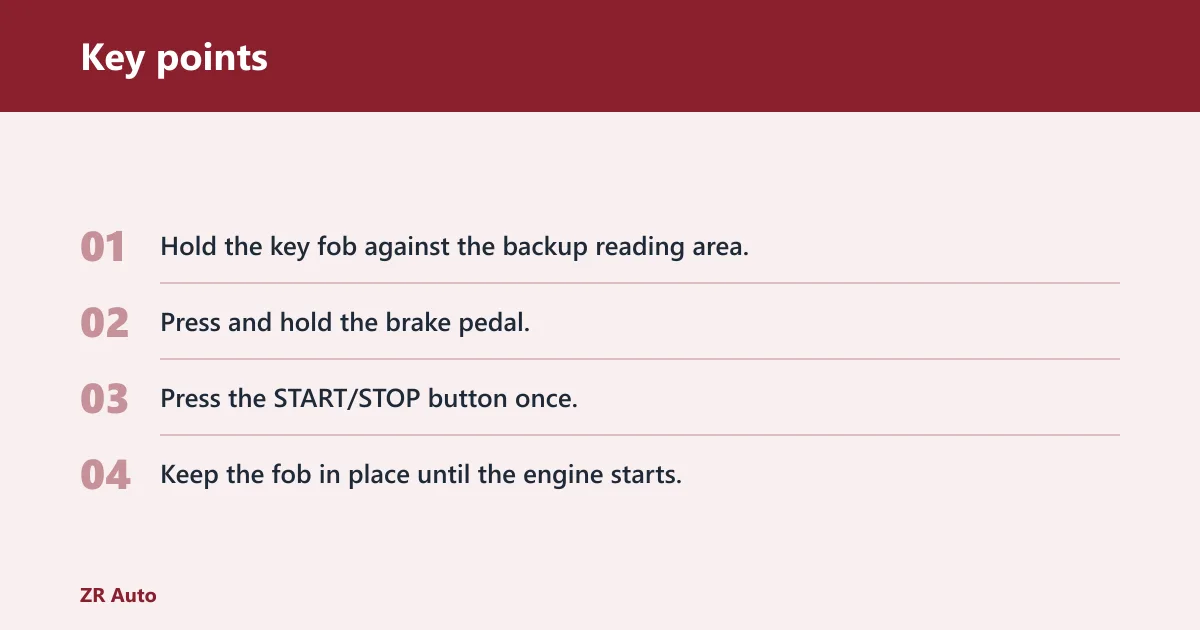
Emergency start steps
- Hold the key fob against the backup reading area.
- Press and hold the brake pedal.
- Press the START/STOP button once.
- Keep the fob in place until the engine starts.
Some fobs do not even have keys, so the hidden emergency blade is not a starting method. It is for entry. The start procedure still depends on the car recognizing the fob at close range. If the engine does not respond, release and try the sequence again after about 3 seconds rather than holding the button down.
What the Charger is trying to detect
The car is looking for the fob’s transponder signal, not a healthy fob battery alone. That is why a dead key fob battery can stop normal access, yet the vehicle may still start when the fob is placed against the reader area. Mopar’s proximity-start guidance describes this close-range recognition process as the backup method for a weak or dead fob battery.
Where is the backup reader?
The backup reader is on the right side of the steering column, in the rectangular slot marked by a small key icon. That is the definitive Charger placement to start with. Some Dodge manuals note trim- or year-specific variations, so if your owner’s manual shows a different layout, follow the manual for your exact vehicle.
Common Charger placement patterns
Start with the right-side steering-column slot marked with the key icon. Do not assume every Charger uses the same reader location, especially across different model years and trims. If the manual names a different spot, follow that instead.
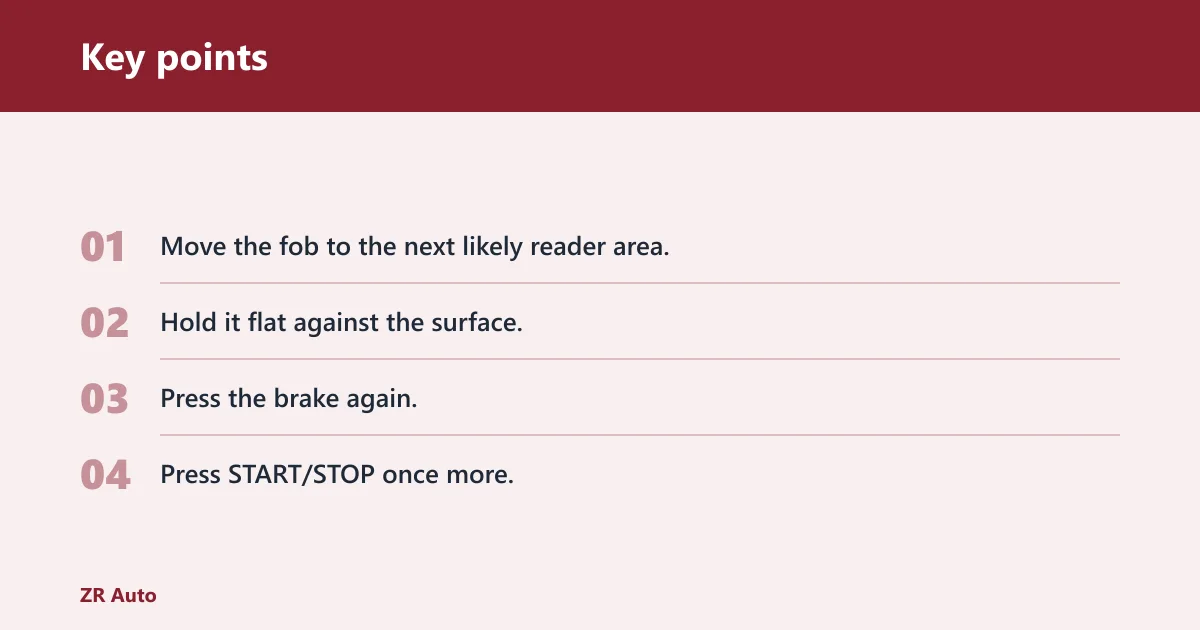
If the first spot fails
- Move the fob to the next likely reader area.
- Hold it flat against the surface.
- Press the brake again.
- Press START/STOP once more.
Say your Charger lights up normally but refuses to crank from the first reader point. That often means the fob is in the wrong spot, not that the battery has failed. A second placement check is faster than replacing parts at random.
Troubleshooting no-start cases
If the Charger still will not start after the backup-read attempt, the likely causes shift away from the fob battery alone. The next checks are the 12V battery, the fob itself, and the vehicle’s keyless-entry or start system. Use the symptom, then test in order. The table below includes a dash-illumination check so you can tell a weak vehicle battery from a dead fob battery more quickly.
| Symptom | Likely cause | What to test next | Type |
|---|---|---|---|
| No response when the fob is placed at the reader area | Wrong placement or dead fob battery | Move the fob to the steering column spot, then the center console spot if equipped | Fob battery |
| Dash lights come on, but the engine does not crank | Weak 12V battery | Check battery voltage and try a jump start | 12V battery |
| “Key not detected” or similar warning repeats | Unreadable fob or keyless-entry fault | Use the spare fob, then repeat the backup-start procedure | Vehicle system |
| Doors open, but the car still will not start | Separate entry issue from start issue | Use the backup reader area and then test the spare fob | Vehicle system |
| Nothing powers up at all | Dead 12V battery | Check the battery terminals and attempt a jump start | 12V battery |
| Check dash illumination level | Weak 12V battery or poor battery connection | Compare dash brightness before and after a jump start; inspect battery terminals | 12V battery |
| Fob blade/damage check | Damaged hidden key or worn fob shell | Inspect the hidden key, fob case, and any cracks or broken tabs | Fob |
| Spare fob test | Main fob issue or vehicle recognition issue | Try the spare fob at the backup reader and note whether the symptom changes | Fob |
What if the Charger still will not start?
Check the 12V battery first if the dash is dark or the starter does nothing. If power is present but the car still refuses to recognize the fob, use the spare fob. A dead fob battery is one possibility; a failing wireless module or keyless-entry fault is another. If the dash stays bright but the car still gives no crank or no-read response, the issue is less likely to be the fob battery alone.
Escalation ladder
- Use the backup reader area again with the brake fully pressed.
- Use the spare fob if one is available.
- Test the 12V battery with a meter or a jump start.
- Check for a steering column reader issue or a keyless-entry fault.
Suppose the doors open but the engine still will not start after the fob is held at the reader. That pattern points away from entry problems and toward a start-system fault, a weak 12V battery, or a bad fob that can still open the car but not authorize starting.
How to open a Dodge Charger without a key fob
If the fob battery is dead, some Chargers still let you open the door with the hidden physical key inside the fob. That is a separate task from starting the car. Opening the door does not prove the start system will recognize the fob.
Entry steps
- Remove the hidden key from the fob, if equipped.
- Use the key in the driver’s door cylinder.
- Open the door, then return to the start procedure.
Do not mix up entry and ignition. A Charger can let you in and still refuse to start if the fob is unreadable, the 12V battery is weak, or the reader area is not being used correctly.
Common mistakes
The most common error is skipping the brake pedal. The Charger may not start unless the brake pedal is pressed firmly before the start button is tapped. Another mistake is holding START/STOP too long and landing in accessory mode instead of starting. A third is placing the fob near the wrong part of the cabin and assuming the battery is dead. A fourth is treating a door-opening problem as the same thing as a start problem.
- Press the brake before pressing START/STOP.
- Hold the fob in the correct reader area, not just nearby.
- Check the owner’s manual if the first spot fails.
- Use the hidden key for entry only.
- Do not replace the fob battery before checking the 12V battery if the whole car is weak.
How to start a Dodge Charger with a dead key fob
A dead fob battery does not always stop a Charger from starting. The usual fix is to place the fob at the designated reader area, press the brake, and hit the start button. If the vehicle recognizes the fob at close range, the engine should come on after the sequence. On the Charger, that reader is the right-side steering-column slot marked with the key icon, unless your owner’s manual shows a trim-specific exception.
Why the workaround matters
That method exists because a dead key fob battery can prevent normal driving access, yet the car may still read the fob when it is held at the backup spot. The key point is proximity. The fob does not need its battery to be fully healthy for every emergency start.
Frequently asked questions
How to start a Dodge Charger without a key fob
Use the backup reading point, not a conventional key slot. Hold the fob against the reader area on the right side of the steering column, press the brake, and press START/STOP. If it still fails, wait 3 seconds and try once more, then use the spare fob and test the 12V battery, because the problem may not be the fob battery alone.
How to start a Dodge Charger with a dead key fob: place the dead fob
Place the dead fob at the designated reader area and keep it there while you press the brake and the start button. If the car does not react, repeat the sequence once after a short pause rather than holding the button down. The manual should name the exact spot, but for most Chargers the backup reader is the right-side steering-column slot with the key icon.
Why won’t my Dodge Charger start with the key fob nearby?
Nearby is often not close enough. The Charger may need the fob in the exact reader area, with the brake pedal pressed. If that still fails, check the 12V battery, then use the spare fob. A repeated no-read warning can point to a vehicle-system fault.
How to open a Dodge Charger without a key fob: use the hidden physical key
Use the hidden physical key in the fob if your model has one. That key can open the door, but it will not start the engine. After entry, return to the backup start procedure: fob at the reader area, brake pressed, start button pressed.
Can you start a Dodge Charger without the key fob?
Not in the normal sense. You still need the fob present so the car can read it at the backup point. The emergency method is for a dead or unreadable fob battery, not for starting with no fob at all.
What if my Dodge Charger key fob battery is dead and the car won’t start?
First, confirm the fob is in the correct reader area and the brake is fully pressed. Then check the 12V battery and use the spare fob. If the dash stays dark or the engine still will not crank, the fault is more likely in the vehicle system than in the fob battery.